Setup guide · 5 minutes
Your first scheduled section, live in five minutes.
Four steps, mostly pictures. By the end, a sale banner on your store will turn itself on and off while you do literally anything else.

Setup guide · 5 minutes
Four steps, mostly pictures. By the end, a sale banner on your store will turn itself on and off while you do literally anything else.
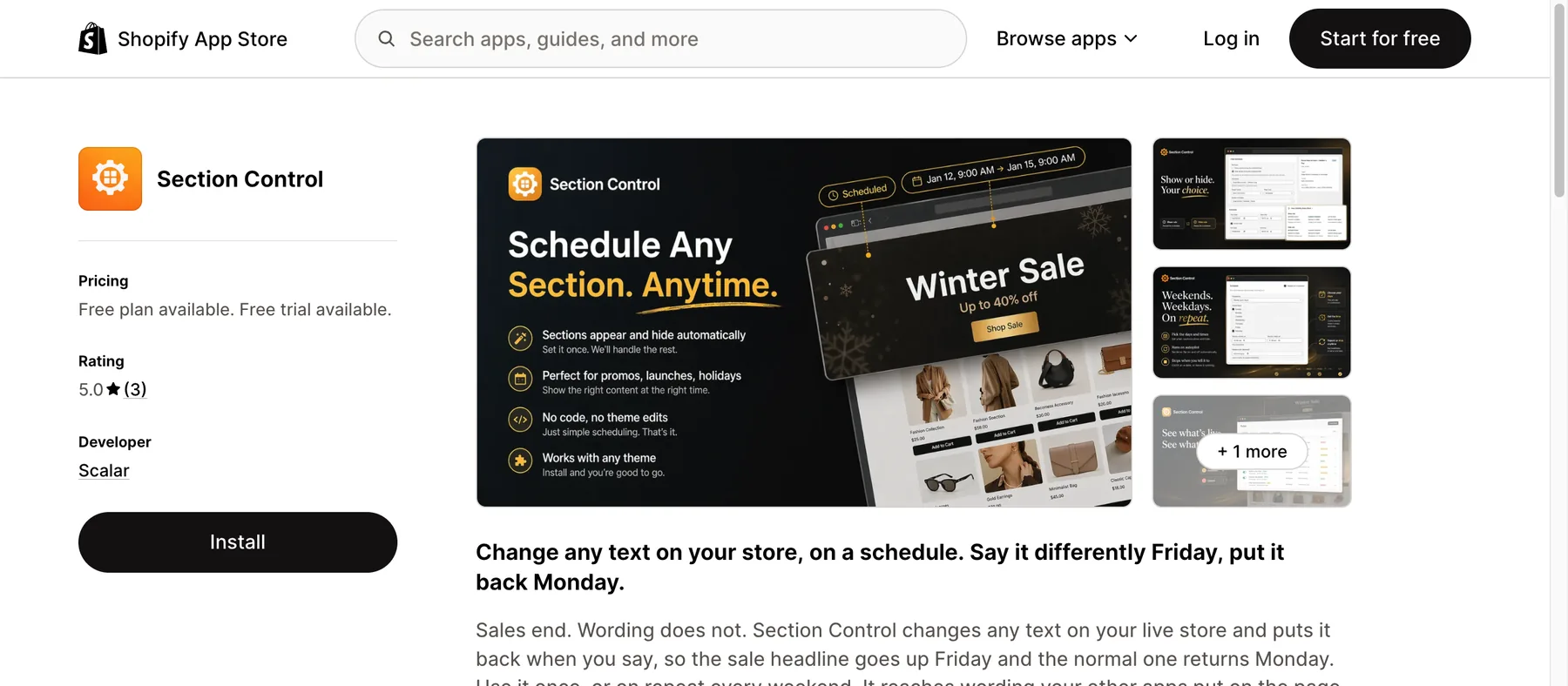
Find Section Control on the Shopify App Store and hit Install. The free plan covers two scheduled sections, and there's no card, no trial timer, nothing to cancel.
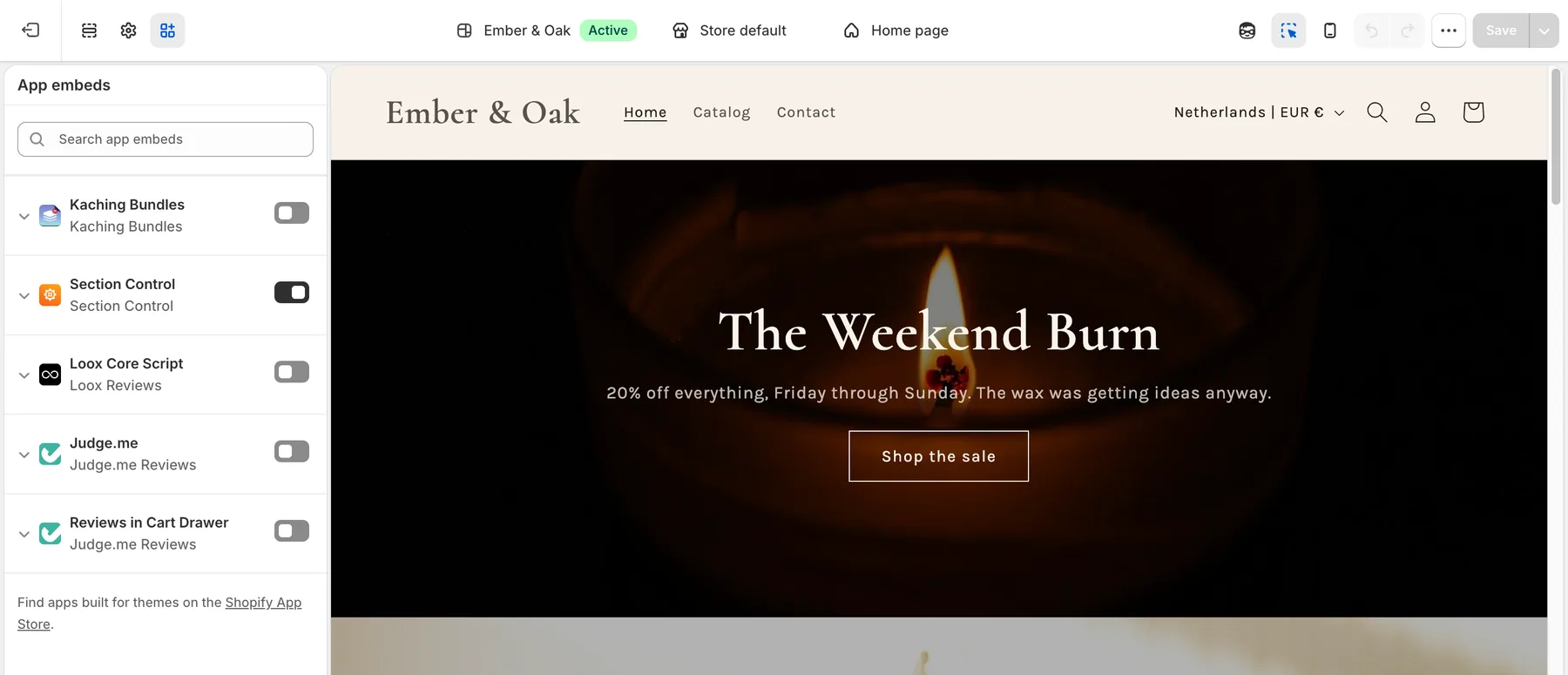
Sections can't schedule themselves until your theme lets the app in. On the app's dashboard, click Enable app embed. Shopify opens your theme editor with the Section Control toggle already switched on. All you do is press Save.
 1
2
1
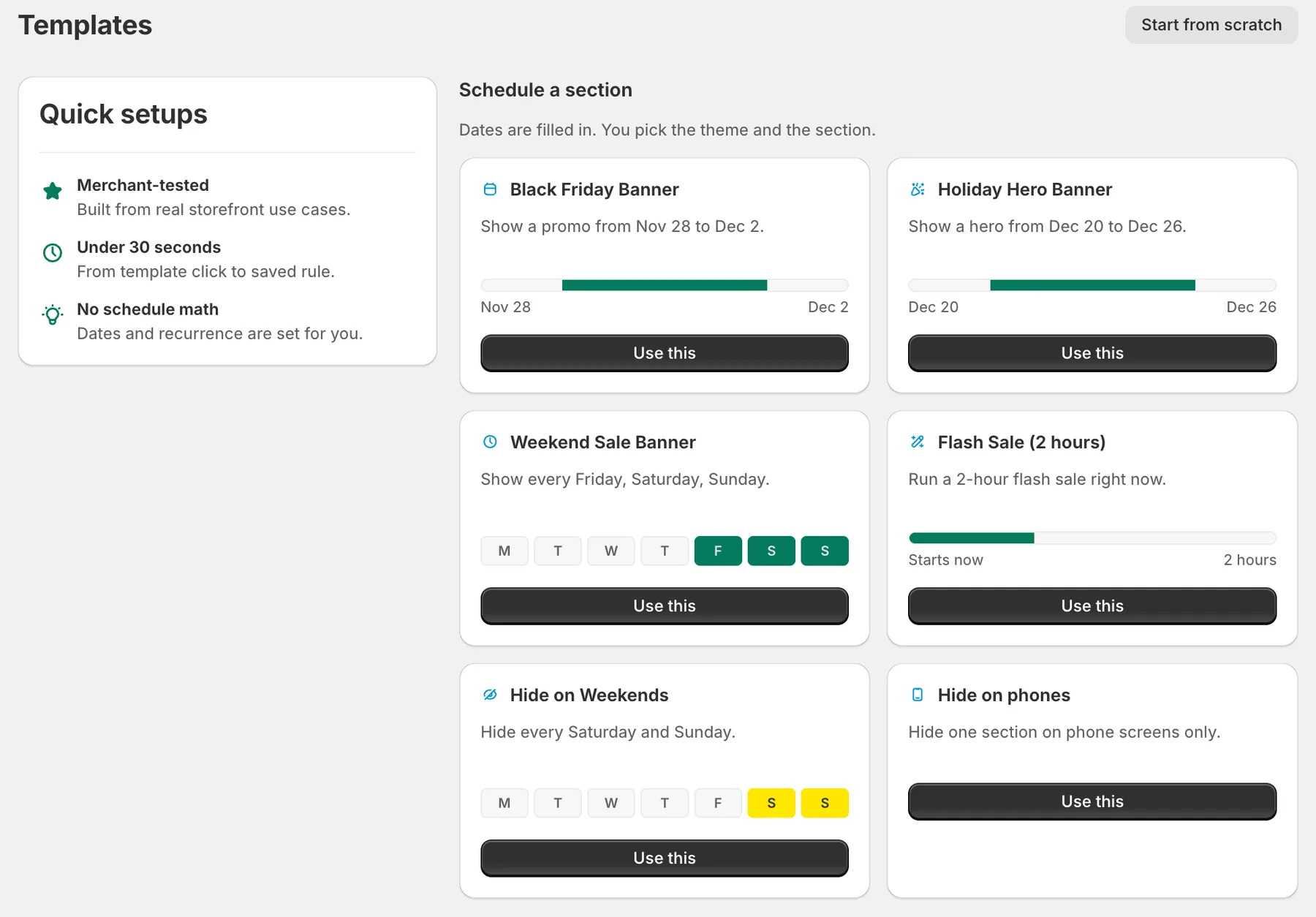
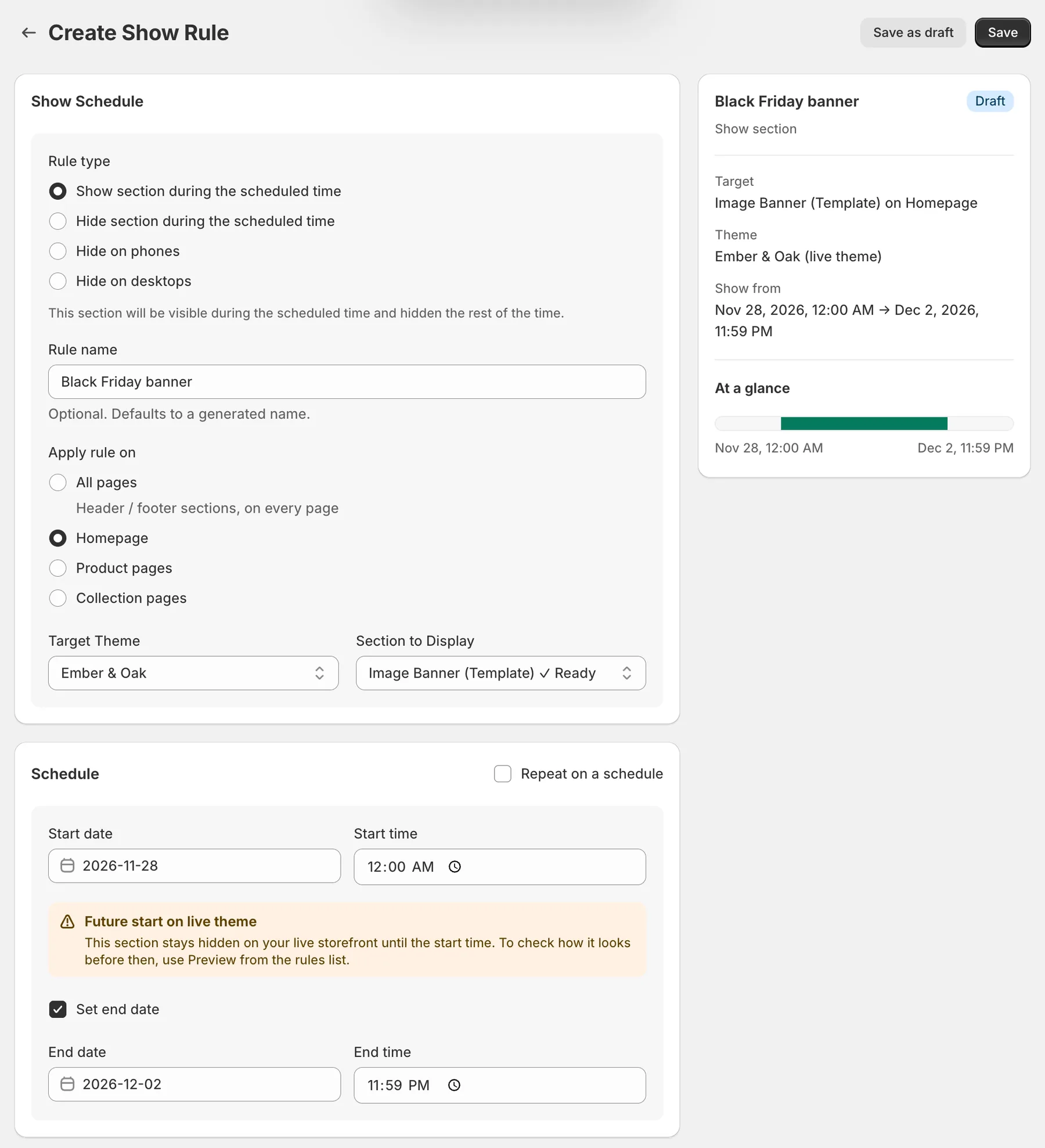
2Don't build from scratch. Open Templates, pick Black Friday Banner, and the rule arrives with its dates already filled in. You pick the section, check the page, and press Save.
 1
2
3
4
1
2
3
4
That's setup finished. When the start time hits, the section appears on your storefront by itself. When the end time passes, it leaves. No midnight logins, and nobody touches your theme.
 Before
 During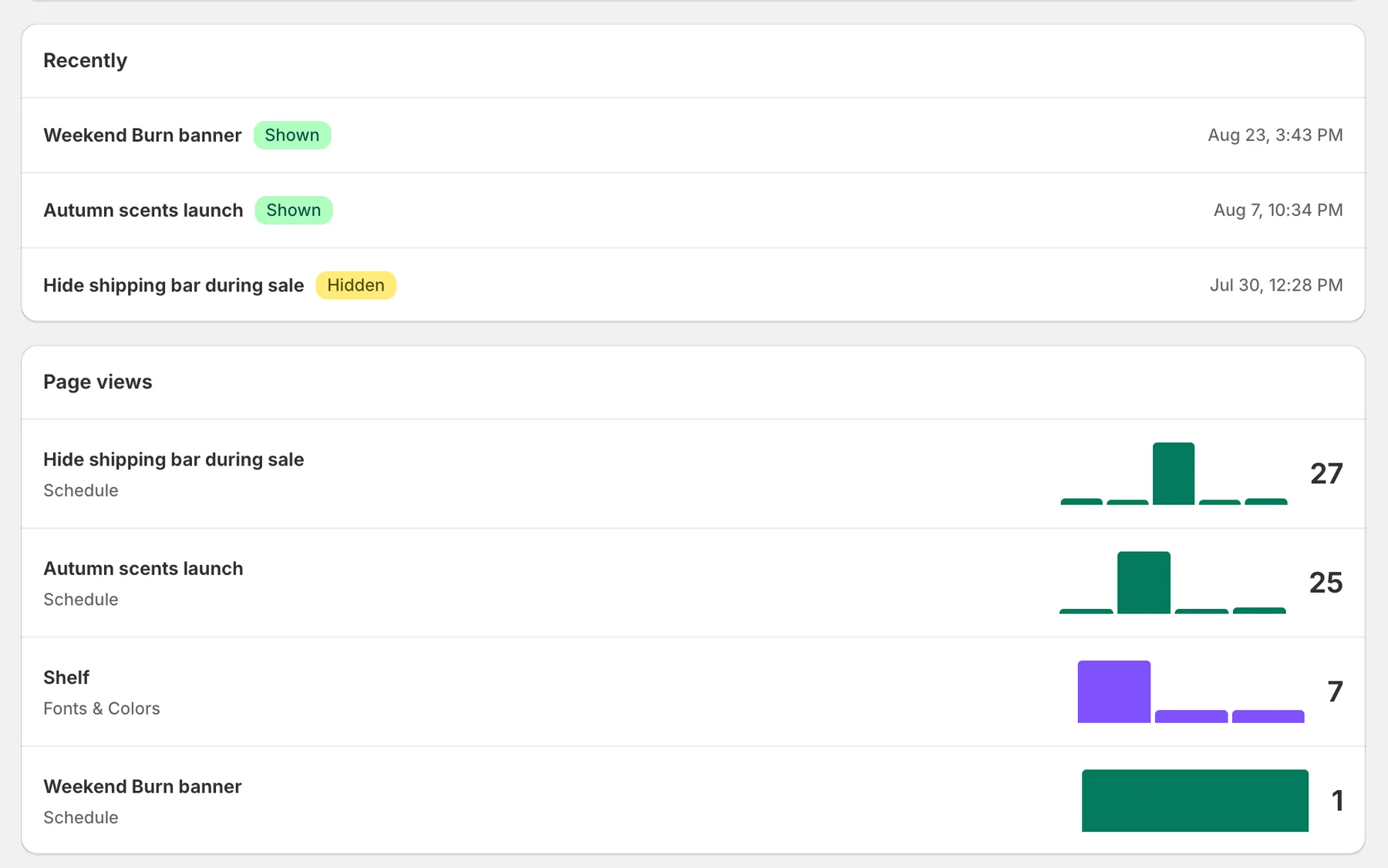
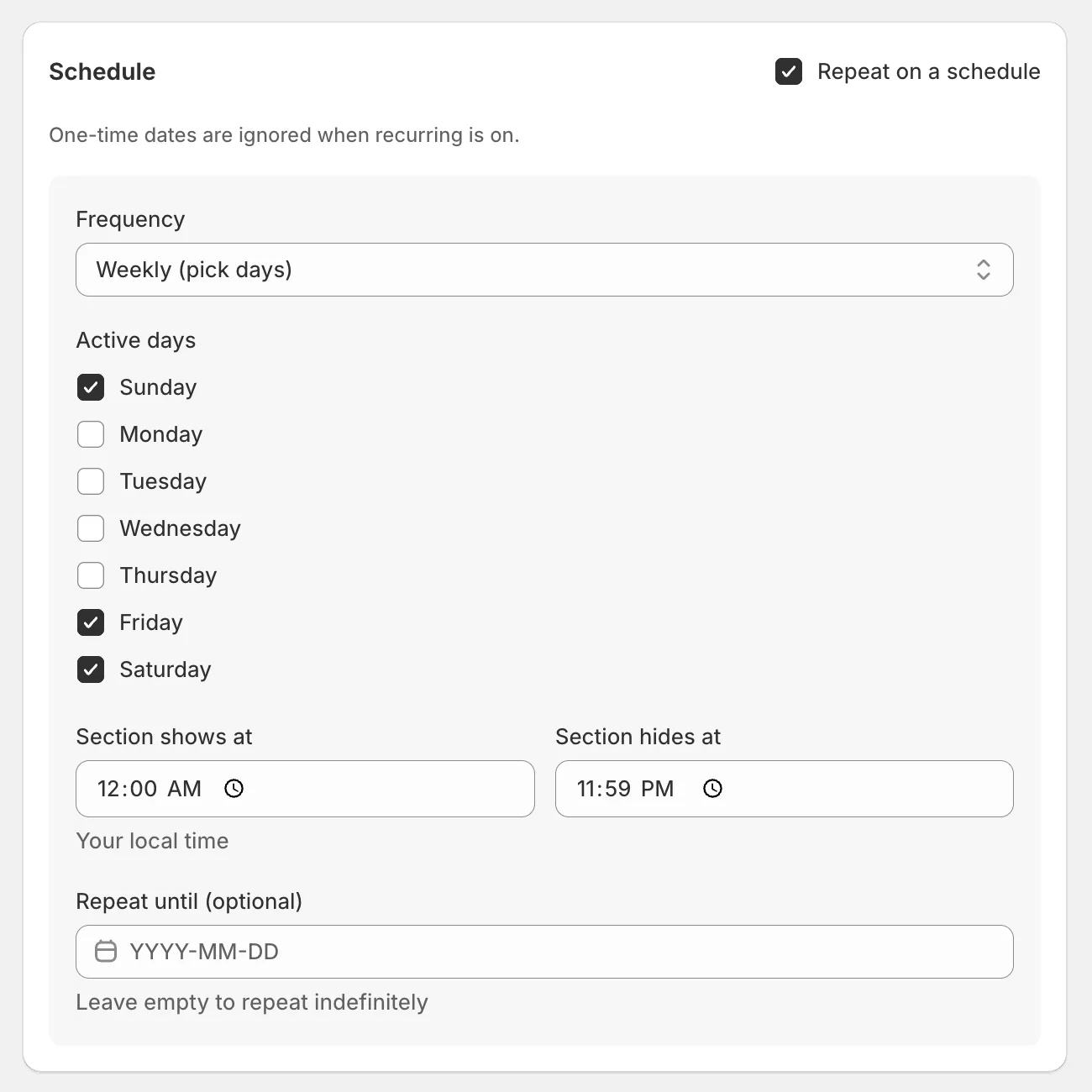
Running the same promo every Friday to Sunday? Tick Repeat on a schedule, tap the days, set the hours. The rule re-arms itself every week until you tell it to stop. Recurring schedules are part of Pro, $9.99 a month with a 7-day trial.
The clock's already generous. Most merchants beat it.